Liven Review: 2026 Overview
The verdict
4.3/ 5 An all-in-one app that works on WHY you procrastinate — motivation, mood and habits — not just blocking distractions.
Liven is our top pick because it treats the part of procrastination most apps ignore: the reason you avoid the task in the first place. Instead of just blocking a site or timing a sprint, it folds a guided plan, short psychology courses, a habit builder, mood check-ins, focus soundscapes and an AI coach into one place. It is self-guided support rather than therapy, it has no hard blocker, and the onboarding pushes upgrades hard — but for getting at WHY you stall, nothing else here is as complete.
Most anti-procrastination apps pick a fight with the distraction. They block the site, time the sprint, count the minutes you wasted. Liven starts somewhere else: it treats putting things off as a behaviour with a cause, and tries to change the cause, whether that is avoidance, low mood, perfectionism or a habit that never formed. On a weighted rubric that rewards how well an app addresses the actual reason you stall, nothing else we tested is as complete, which is why it sits at the top of our scorecard.
Be clear about what that ranking means. Liven is not the app that stops you reaching a distraction fastest, nor the one that gets you into a working sprint in seconds. It has no website or app blocker and no Pomodoro timer, and on our two original measures, blocking strength and time-to-focus, it scores low. We rank it first because it does the slower work blockers and timers leave untouched, and folds an unusual amount of it into one guided plan. If your problem is reaching for your phone out of boredom, a dedicated blocker will serve you better; if you keep avoiding the thing that matters, read on.
What Liven actually is
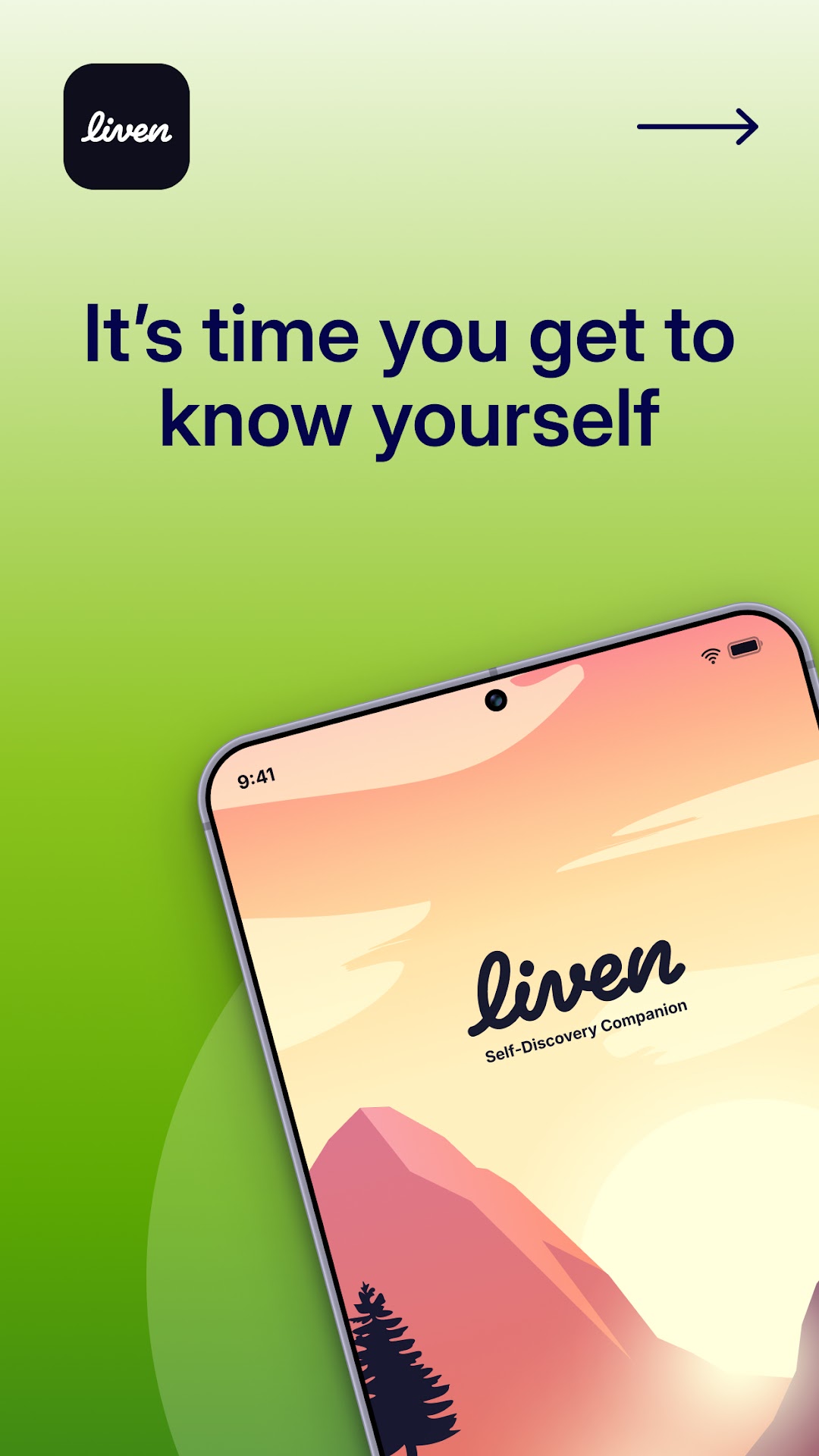
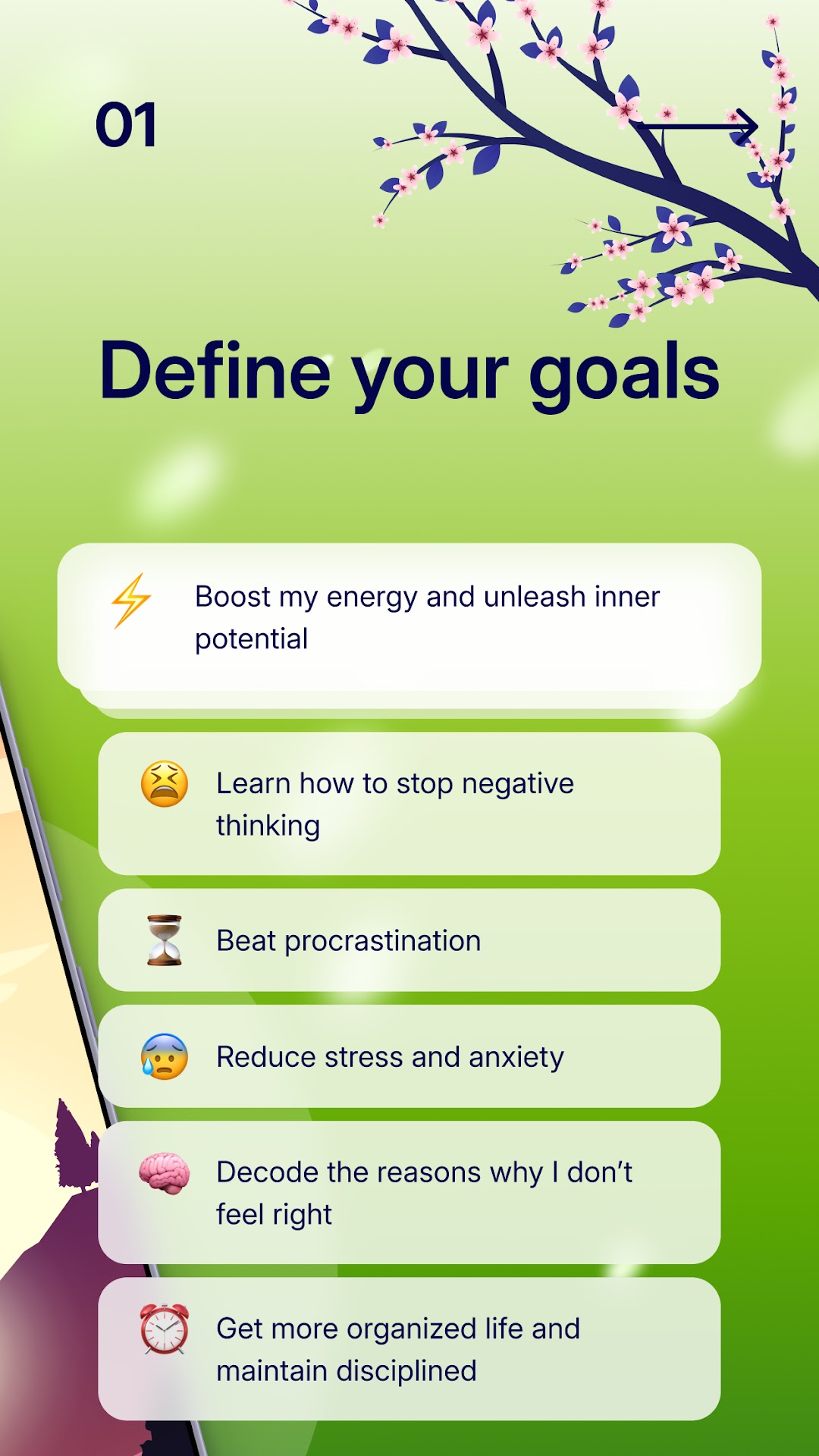
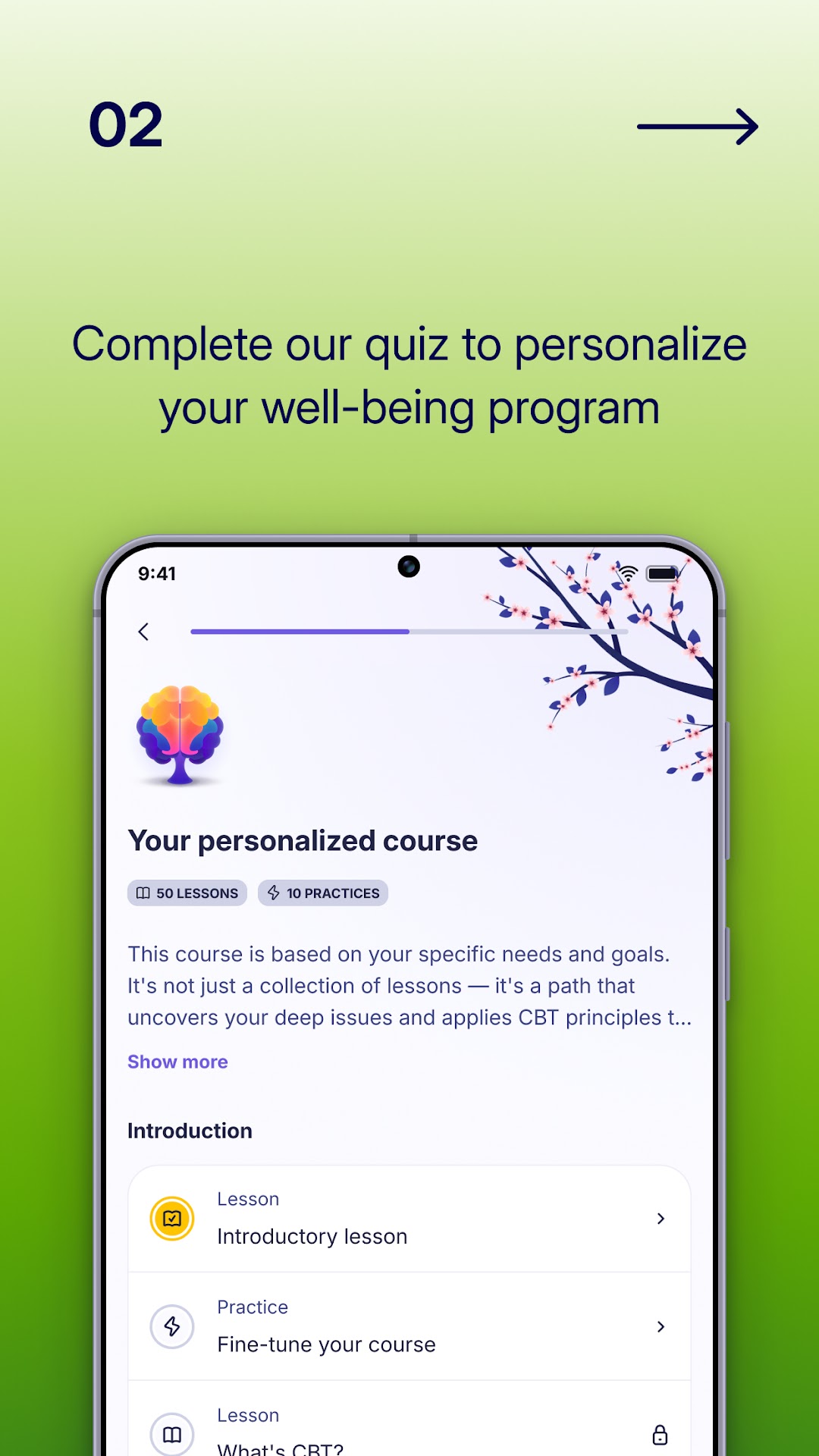
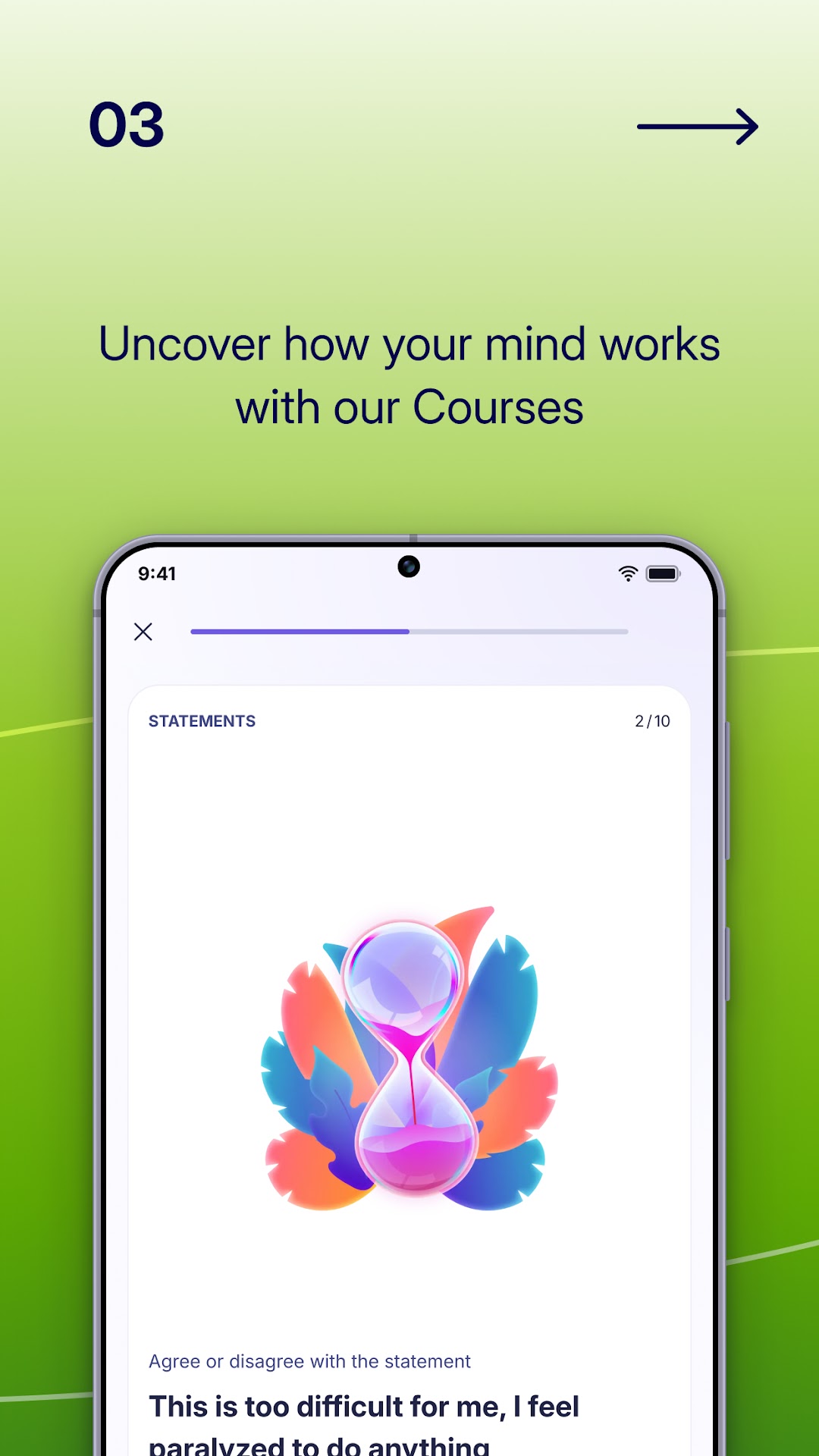
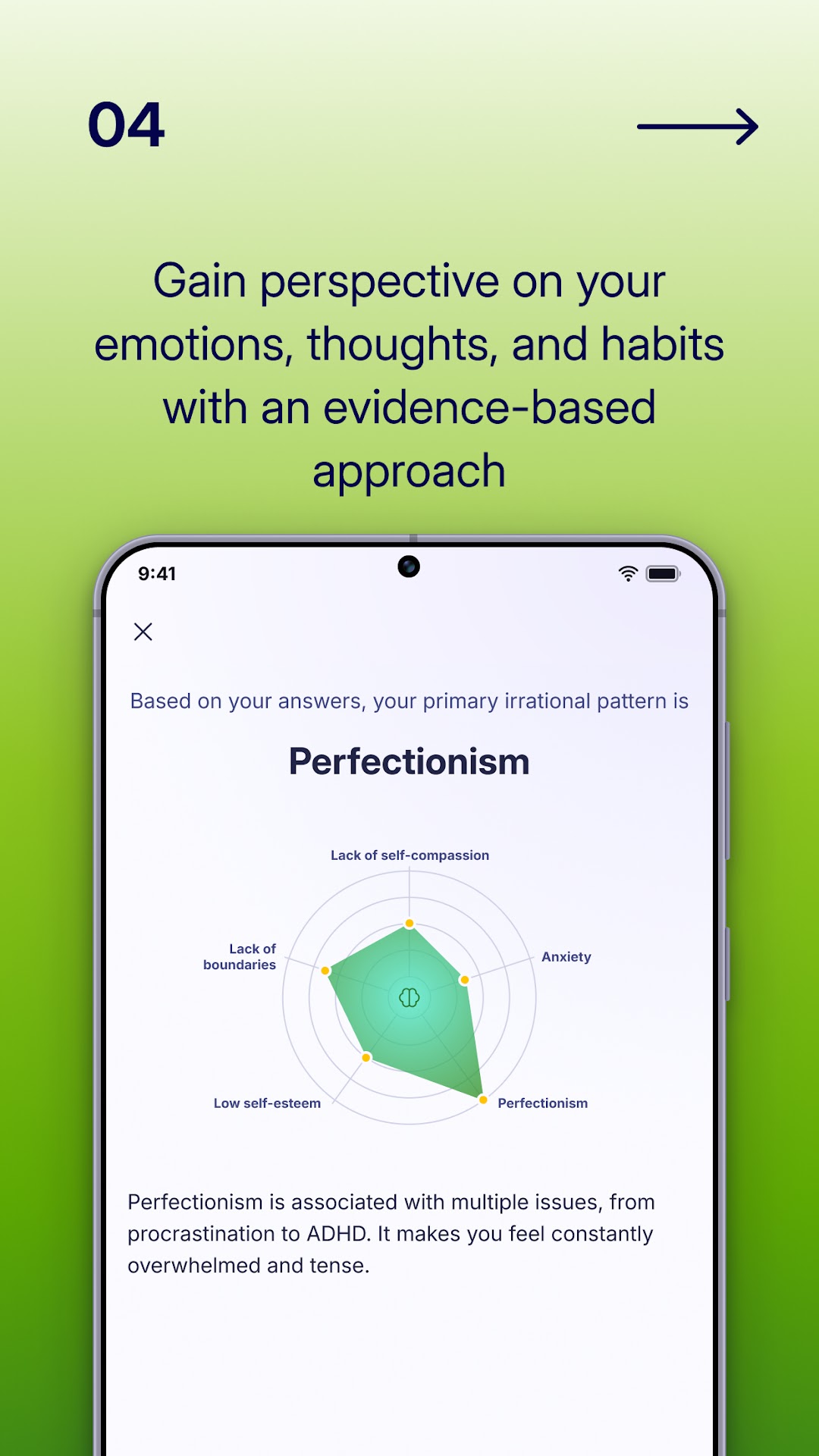
Liven is an all-in-one mobile app from Chesmint Limited, built around mindset, habits and focus rather than scheduling or blocking. It runs on iOS, Android and Apple Watch. You begin with a quiz about your goals, your moods and the way you avoid work, and it uses your answers to build a personalised program rather than dropping you into an empty dashboard.
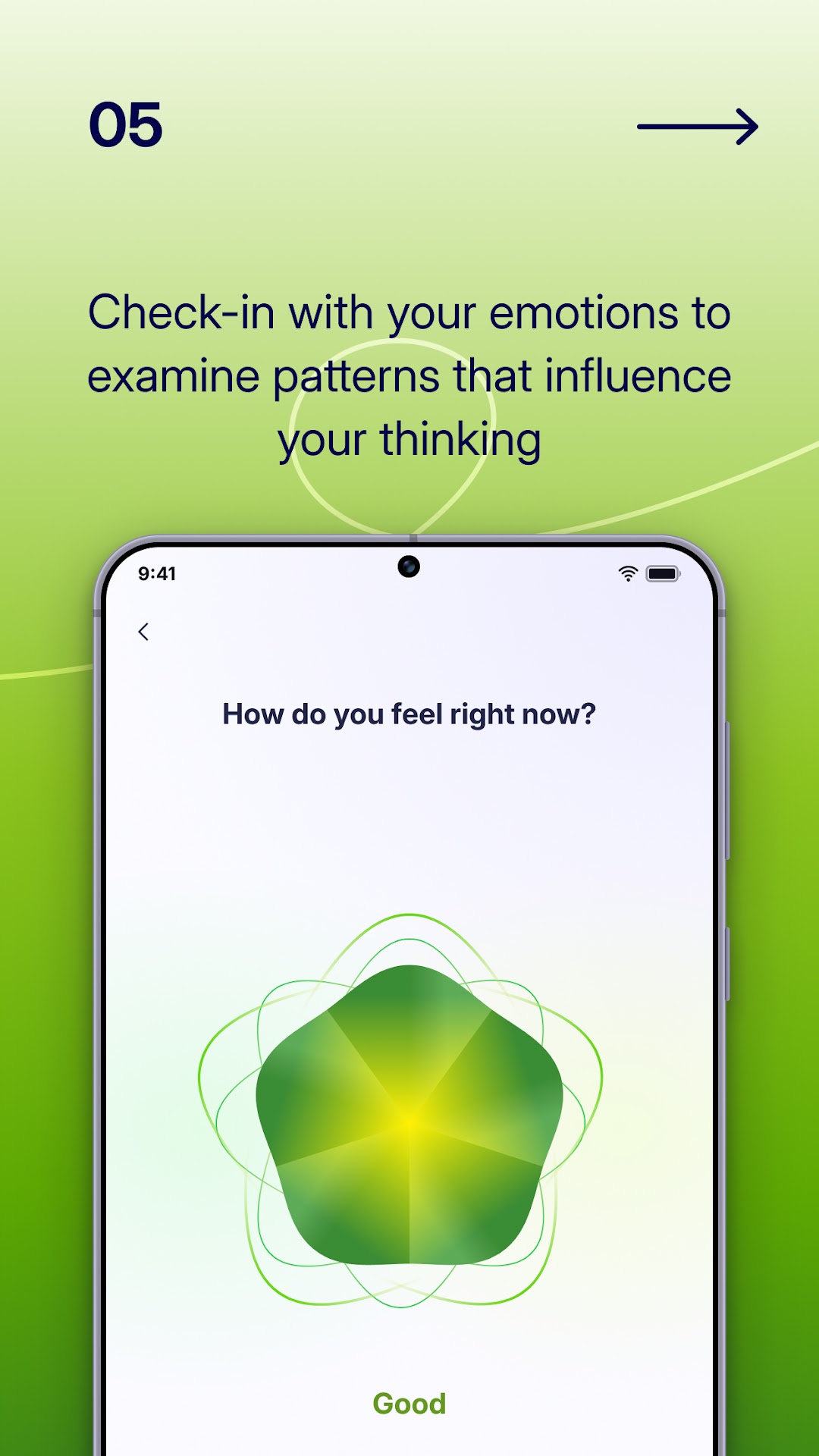
Underneath, the method draws on recognised frameworks: cognitive behavioural therapy, acceptance and commitment therapy, positive psychology and habit science, and the company says it was co-developed with practising psychologists. In daily use that means short psychology courses, a habit builder, mood check-ins, focus soundscapes and an AI coach called Livie you can message when you are stuck. The approach is self-guided, with a coaching tier as a paid add-on. The point is breadth that joins up: Liven treats motivation, emotion and habit as the same problem from different angles, and connects them through a single plan.
Cause, not symptom
Here is the distinction that decides whether Liven is for you. A blocker treats the symptom: it stops you opening the distraction. A timer treats it too, by boxing your effort into a sprint so the task feels smaller. Both can work, and for many people they are enough. But neither asks why you opened the distracting app, or why the task felt big enough to flee from.
Liven aims at that why. The courses unpick perfectionism and the fear of doing a thing badly. The mood check-ins help you notice when avoidance is really low energy or anxiety in disguise. The habit builder turns vague intentions into a small repeatable action, and Livie talks you into the first step rather than just locking your feeds. The honest limit is that this is slower than flipping a switch: you have to show up and follow a plan over weeks. If you want a fix you can feel within the hour, this is the wrong tool.
Where it falls short: no blocker, no Pomodoro
Two gaps matter enough to lead with: Liven has no website or app blocker, and no Pomodoro timer. These are not oversights we are softening; they are simply not in the app. If your plan for beating procrastination is to make the distraction unreachable, Liven cannot do that.
On our blocking strength index, which rates how hard an app stops you reaching the distraction, Liven scores a 1. On time-to-focus, which rates how fast you go from opening it to working, it scores a 2, because the value comes from the program over time, not a quick-launch button. It leads neither, and that is the trade behind its ranking: it wins on depth, not speed or enforcement. The fix is pairing: run Liven for the motivation and habit work, and add a blocker or a timer for the moments you need a hard stop.
Where rivals beat it
A top pick should be candid about its competition. For hard blocking, Freedom, Cold Turkey and Opal all enforce more firmly than anything Liven offers, locking sites and apps in ways you cannot easily wriggle out of. If enforcement is the whole point for you, start there.
For getting into focus fastest, Forest, Be Focused and Session are quicker off the mark: open, start a session, work. That is a single tap, which Liven does not try to be. If you need a better system for what to do and when, TickTick and Todoist are stronger task managers and planners; Liven deliberately is not a to-do app. And for procrastination bound up with ADHD, Tiimo and Focusmate lead the field, the first for visual, time-blind-friendly planning, the second for live accountability. Liven can sit alongside any of these as the work-on-why layer, while the others bring structure, enforcement and speed.
Who it suits
Liven earns its ranking with a particular reader in mind. If your procrastination is really avoidance, low mood or perfectionism in disguise, this is the app on our list built for that. The same goes if you are tired of blank productivity apps that hand you a system and expect you to supply the discipline; Liven gives you a plan to follow, removing one more decision from an already full day.
It also suits people who will actually use the coach. Livie only helps if you message it when you are stuck, the same way a habit tracker only helps if you tick the box. If you will engage with prompts and short courses, the breadth pays off; if you will install it and forget it, a blocker or timer may stick better. A note on the harder cases: chronic, life-disrupting avoidance can be tied to ADHD, anxiety or depression, and no app is a substitute for assessment or care. If yours runs that deep, treat Liven as a complement to professional help, not a replacement.
Plans, pricing and the catch
Pricing has several variants, which is part of the catch. As of our June 2026 reading, the weekly plan is listed at $7.99 a week; there is a yearly plan with a trial at $89.99 a year, a Yearly Premium at $59.99 a year, and a Lifetime Premium at $99.99 as a one-off purchase. The spread makes the true cost hard to read, so check exactly which plan you are agreeing to before you confirm.
There is a no-cost quiz and a limited preview, but the program itself is paid: the personalised plan, the full course library, unlimited Livie chat and coaching all sit behind the subscription, and some plans come with a trial whose length varies by offer. Two warnings we will not bury: the onboarding leans hard on upsells, and several reviewers report friction around cancellation and refunds. You manage and cancel through your App Store or Google Play subscriptions, so read the billing terms before a trial rolls into a charge you did not plan.
Evidence, privacy and support
On evidence, Liven is reasonably open about what it is: self-guided support that complements rather than replaces professional care, built with practising psychologists and using established frameworks. Read science-informed as exactly that, grounded in recognised methods, not a clinical treatment for chronic procrastination, ADHD or anxiety.
On privacy, Liven collects account and usage data to personalise your plan, and the courses invite reflections that can get personal. It lands middle-of-the-pack on our reading, so read the current privacy policy before you pour anything sensitive into a note or a chat with Livie. On support, help runs through support.theliven.com with in-app chat, and the company cites fast average response times. There is no live clinician on the standard plans; coaching is the paid add-on, so the human help is an upgrade, not the default.
The verdict
Liven is our number one because it does the part of procrastination most apps ignore: the reason you avoid the task before you ever reach for a distraction. The personalisation means you follow a plan rather than build one at the moment your motivation is lowest.
The caveats are real: no blocker, no Pomodoro timer, low scores on both of our original indices, an onboarding that pushes upgrades, and pricing variants that obscure the true cost. For pure enforcement or pure speed, other apps win. But if your stalling is about motivation, mood and habits rather than easy reach to a feed, Liven is the most complete starting point on this list. Go in with the price clear in your head, decide whether you will use the coach and the courses, and add a blocker or a timer when you need a harder stop.
Maker: Chesmint Limited · Platforms: iOS, Android, Apple Watch · Approach: Self-guided, with an optional coaching tier · Methods: CBT, ACT, positive psychology, habit science
Liven plans & pricing
Free tier: A no-cost quiz and limited preview; the program is paid.
Trial: No-cost trial variants on some plans (length varies by offer).
Prices approximate, as of June 2026 — verify on the App Store / Google Play / the app's site. The personalised program, full course library, unlimited Livie chat and coaching sit behind the subscription.
Cancellation: Manage and cancel through your App Store / Google Play subscriptions. Several reviews mention upsell-heavy onboarding and friction around cancellation and refunds — read the terms before you start.
Feature checklist
- Focus / Pomodoro timer—
- Website blocking—
- App blocking—
- Scheduled focus / lock modes—
- Tasks & to-do lists—
- Day / calendar planner—
- Habit & routine builderYes
- Focus sounds / musicYes
- Gamification / rewardsLight
- Accountability / coworking—
- Time tracking & reports—
- Reminders & nudgesYes
- Guided plan / coursesYes
- AI coach / chatYes
- Progress insightsMood & progress
- Cross-device syncYes
Liven pros & cons
What's good
- Goes after the root cause — motivation, emotion, perfectionism and habits — where most focus apps only block or time
- Unusually broad and joined-up: courses, a habit builder, mood check-ins, focus soundscapes and an AI coach (Livie) in one guided plan
- Guided personalisation — a quiz builds a plan, so you're not left to design your own system
- Method co-developed with practising psychologists; uses recognised frameworks (CBT, ACT, positive psychology)
- Strong review volume across Trustpilot and the app stores
What to weigh up
- No website/app blocker and no Pomodoro timer — if you only want hard blocking, pair it with one or pick a dedicated blocker
- Onboarding leans hard on upsells, and several reviewers report cancellation/refund friction
- It's self-guided support, not therapy, and pricing has many variants that make the true cost hard to read
Support
Support runs through support.theliven.com with in-app chat; the company cites fast average response times. There's no live clinician on the standard plans — coaching is a paid add-on.
Method & credibility
Liven is open about being self-guided support that complements, rather than replaces, professional care. Its program is built with practising psychologists and uses recognised frameworks. As with most consumer apps, treat 'science-informed' as exactly that — grounded in established methods, not a clinical treatment for chronic procrastination, ADHD or anxiety.
Privacy & data
Liven collects account and usage data to personalise your plan; review the current privacy policy before you share sensitive reflections. Middle-of-the-pack on our reading.
Third-party ratings
- 4.8 / 5 on Trustpilot (~24,000 reviews) — as of June 2026, verify
- 4.4 / 5 on App Store (tens of thousands of ratings) — as of June 2026, verify
- 4.1 / 5 on Google Play (1M+ downloads) — as of June 2026, verify
We report independent ratings with their source and date and never invent them. Figures here are approximate and pending verification before launch.
Our data: Liven
Two numbers we measure ourselves, on the same 1–5 scale for every app — the things most roundups never score (see all 20 on the compare page):
Liven FAQ
Does Liven block websites or apps?
No. Liven has no website or app blocker and no Pomodoro timer, and we would not claim otherwise. It works on the motivation, mood and habit side of procrastination instead. If you need a hard stop, pair it with a dedicated blocker such as Freedom, Cold Turkey or Opal, or add a focus timer like Forest or Session for fast sprints.
Is there a way to try Liven without paying?
There is a no-cost quiz and a limited preview, but the personalised program is paid. Some plans include a trial whose length varies by offer. Because the pricing has several variants, check which plan you are signing up to and read the billing terms first, and cancel through your App Store or Google Play subscriptions if you decide it is not for you.
Can Liven treat ADHD, anxiety or depression?
No. Liven is self-guided support, not therapy, and it does not diagnose, treat or cure any condition. Everyday procrastination is usually ordinary, but chronic, life-disrupting avoidance can be linked to ADHD, anxiety or depression. If that sounds like you, treat the app as a complement to professional assessment and care rather than a substitute for it.